★
Editor's Choice
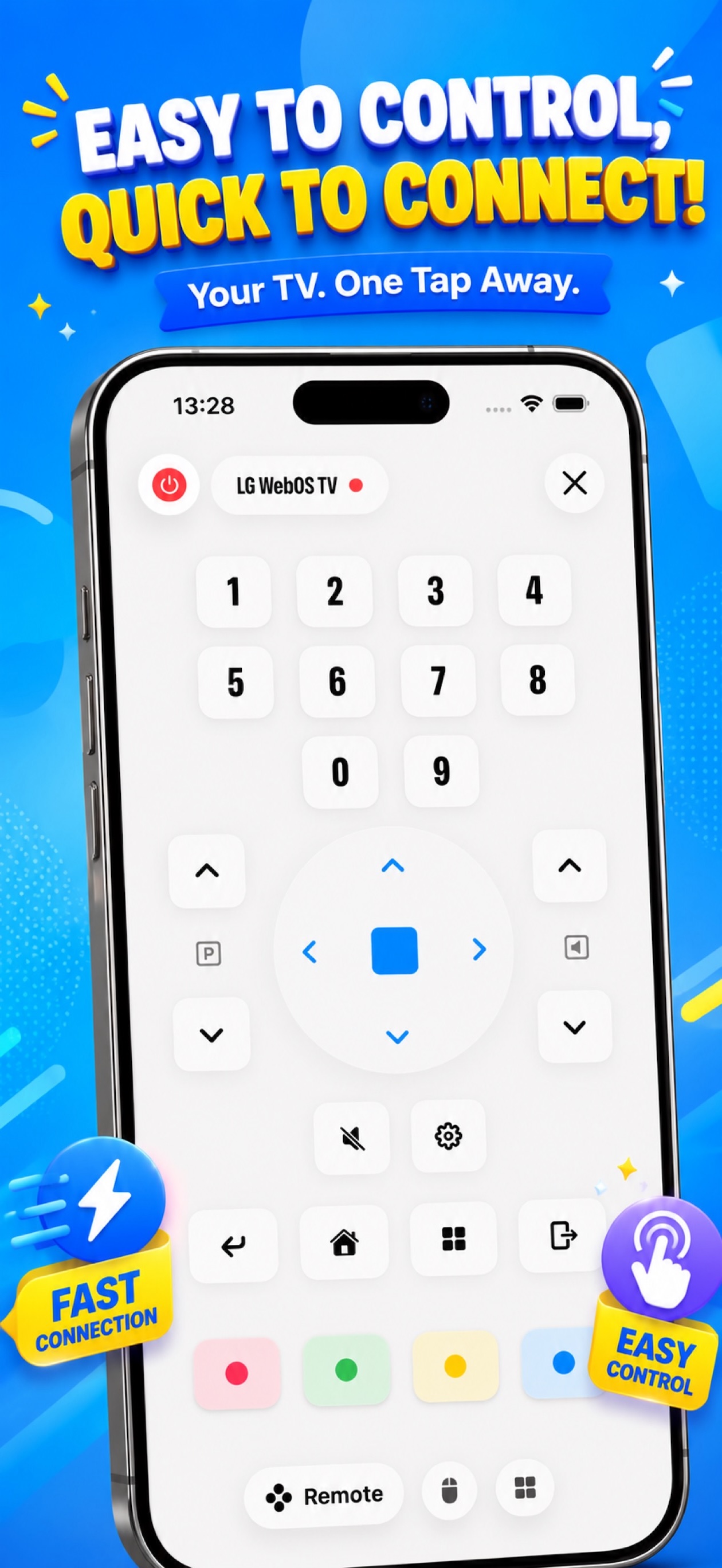
Your phone, your TV, one remote.
Control every major smart TV from your iPhone or iPad. No setup. No pairing. Just open and go.
Scroll
Control every major smart TV from your iPhone or iPad. No setup. No pairing. Just open and go.
Works with every major TV brand






One app. Every control. Zero compromise.
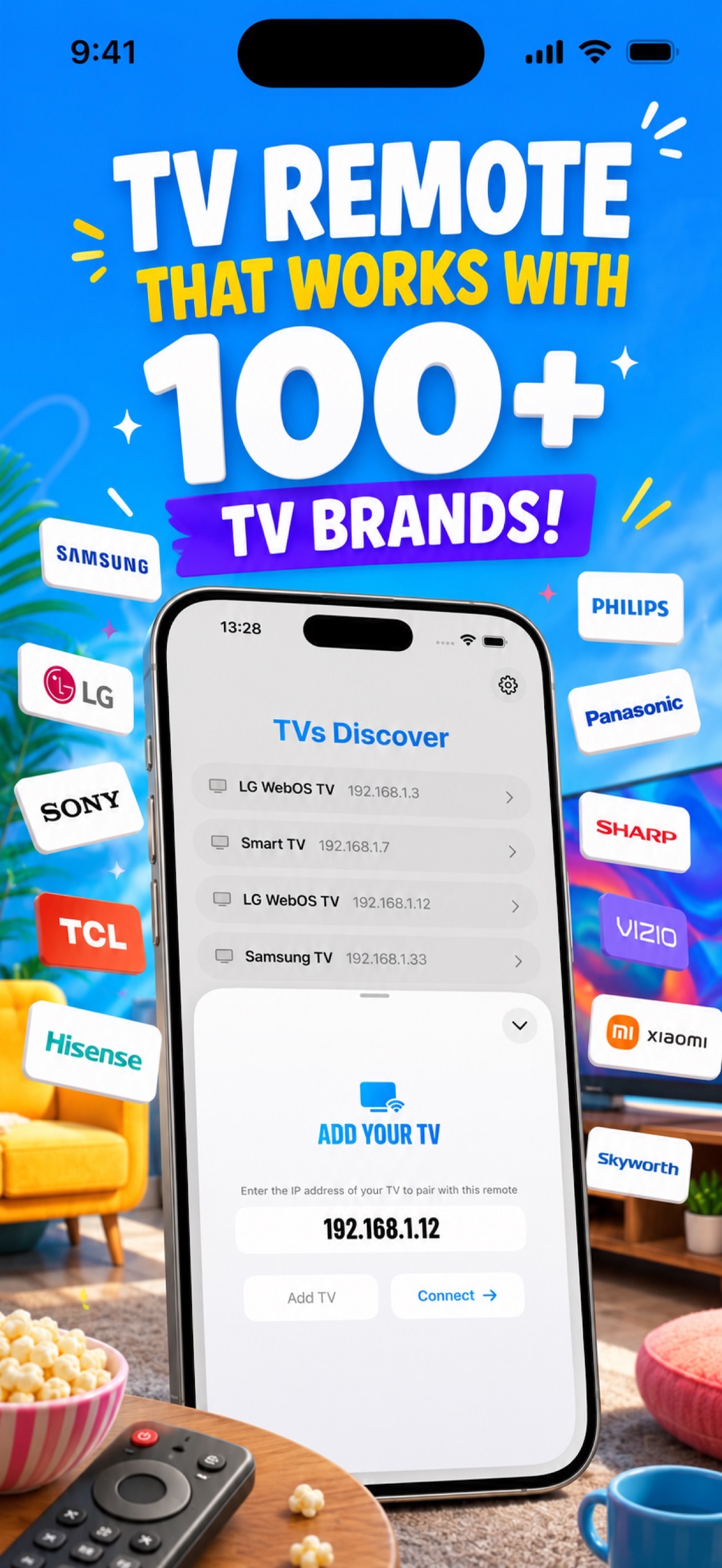
Works with Samsung, LG, Sony, Vizio, TCL, Hisense, and more. One remote to rule them all.
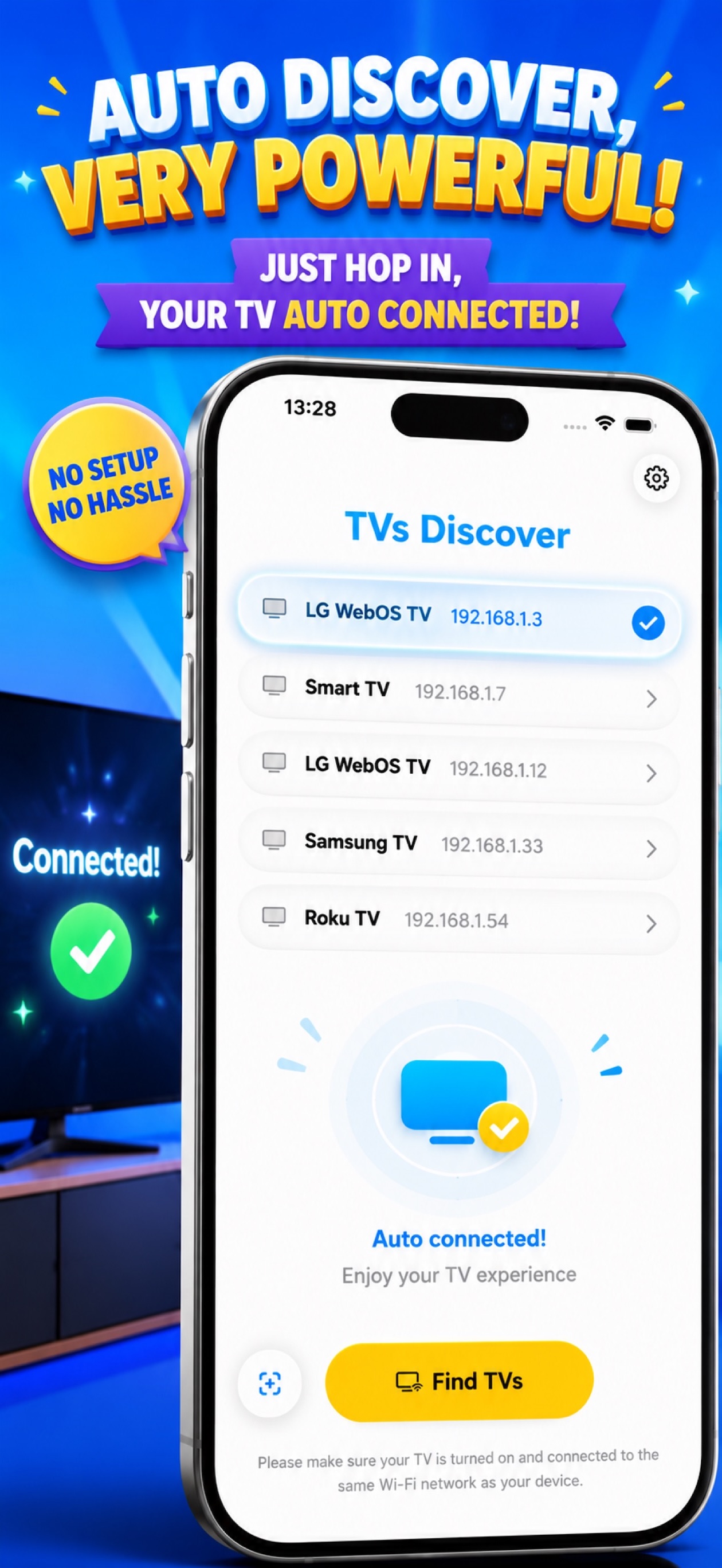
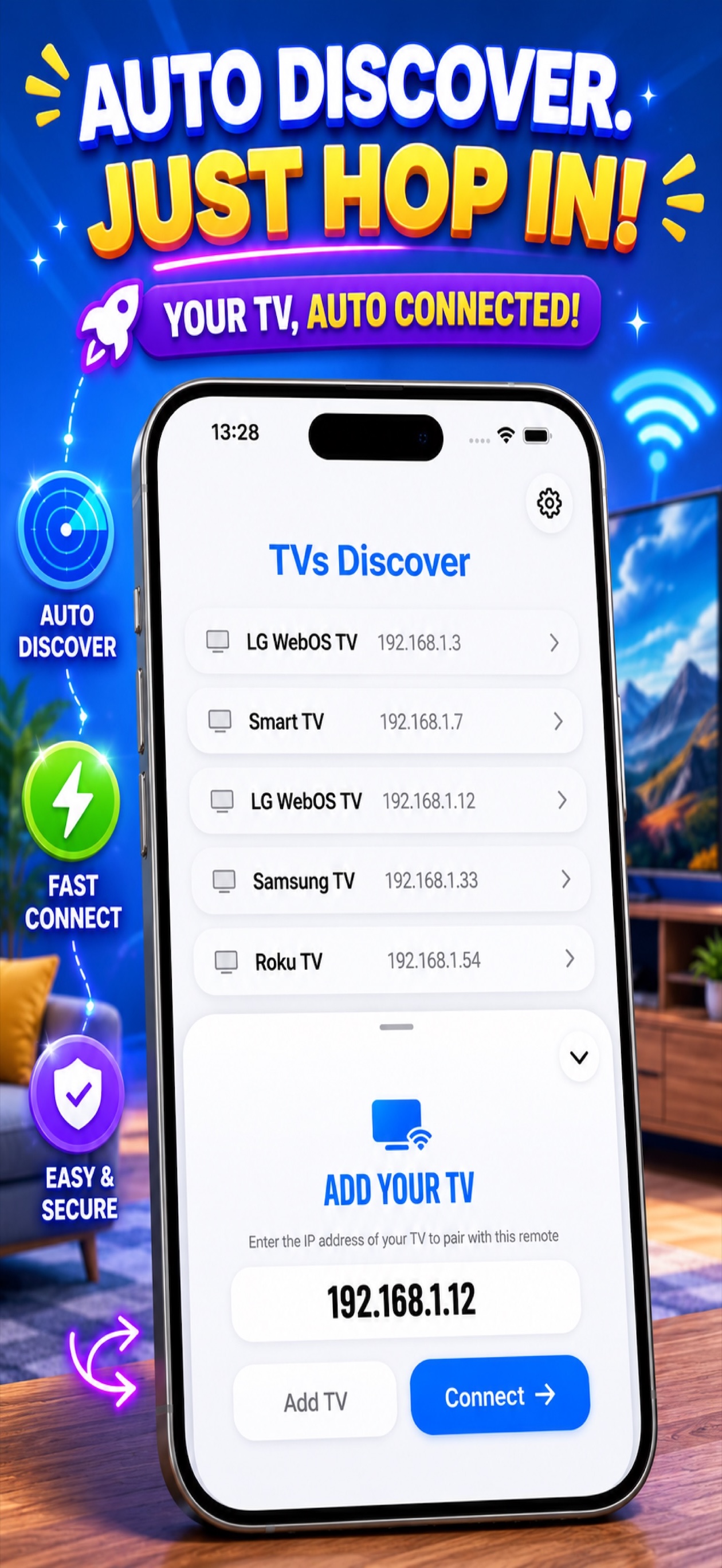
Open the app and your TV appears automatically. No manual pairing. No IP addresses.
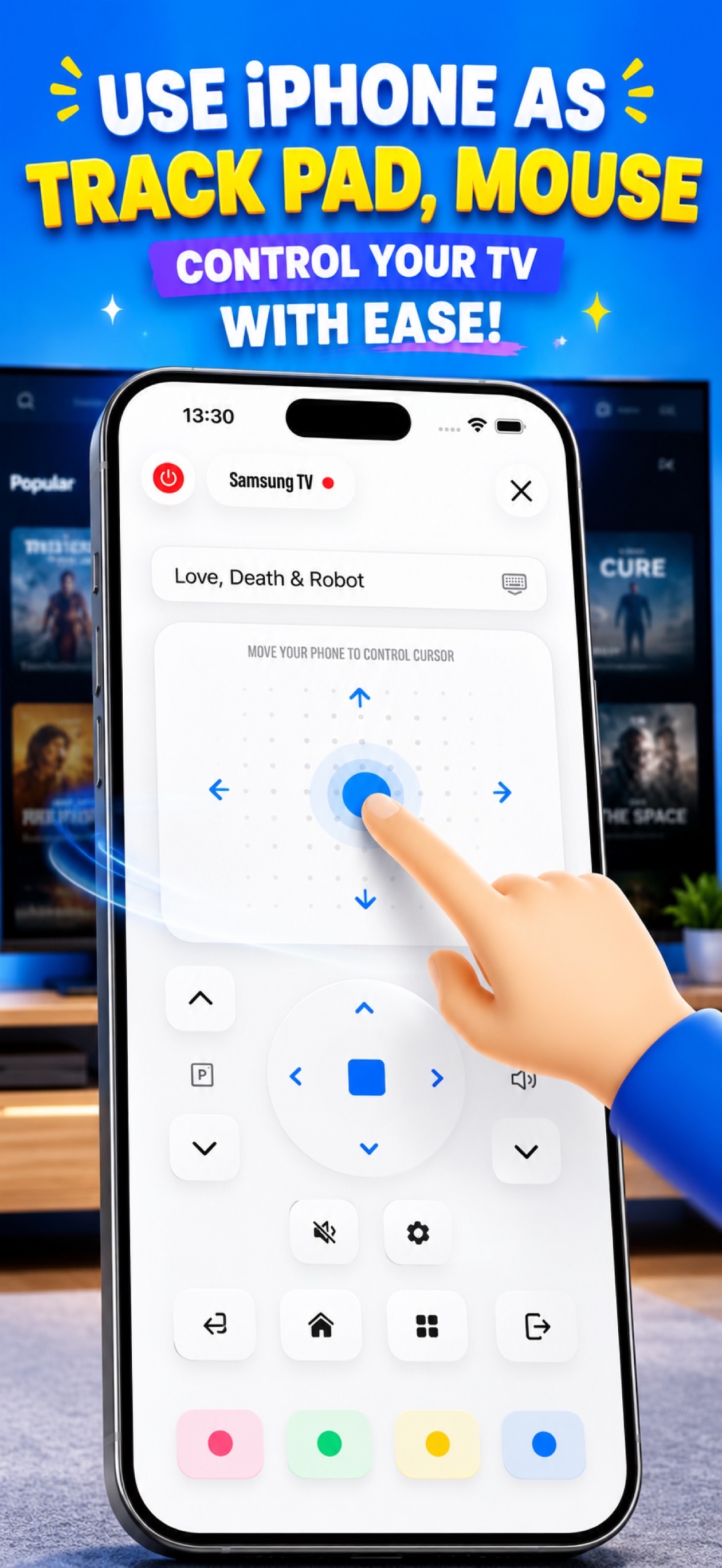
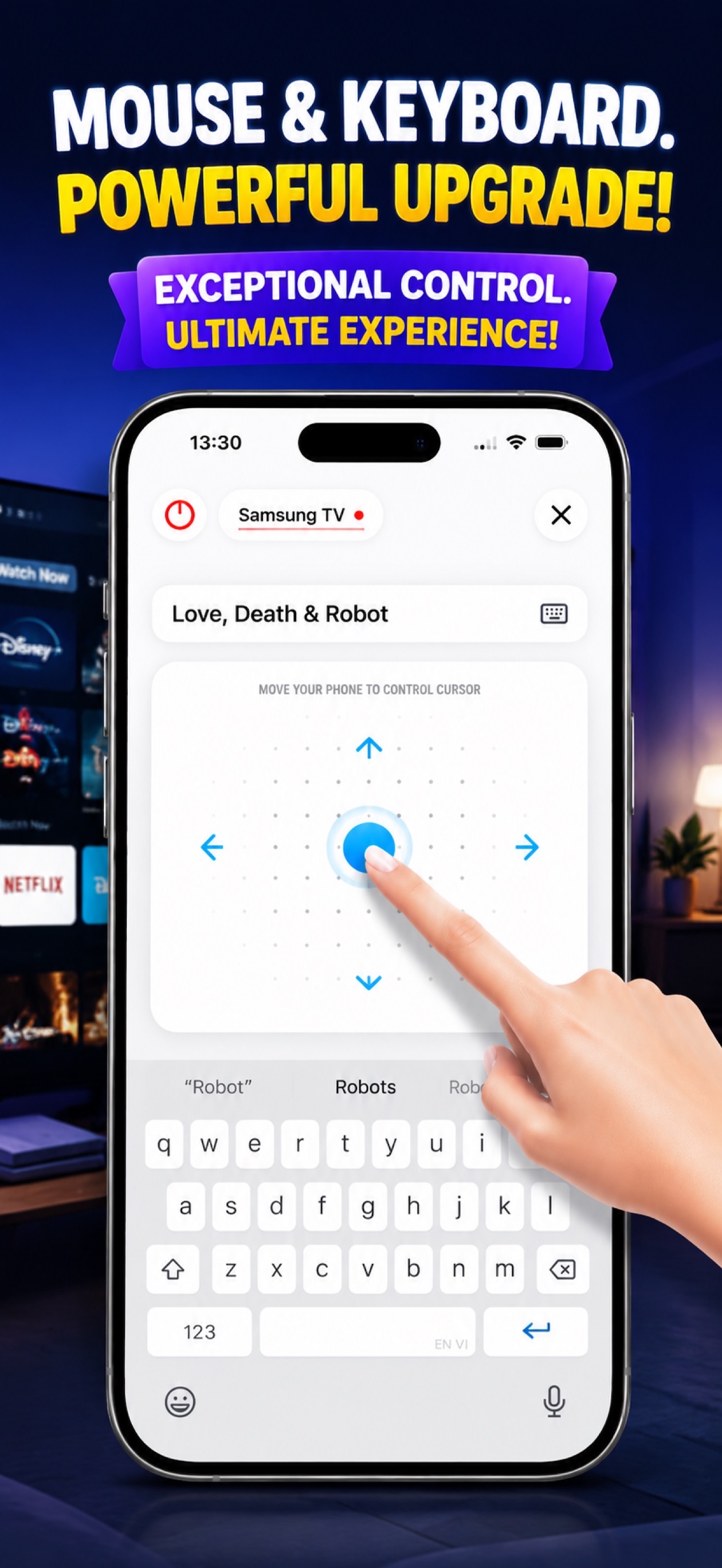
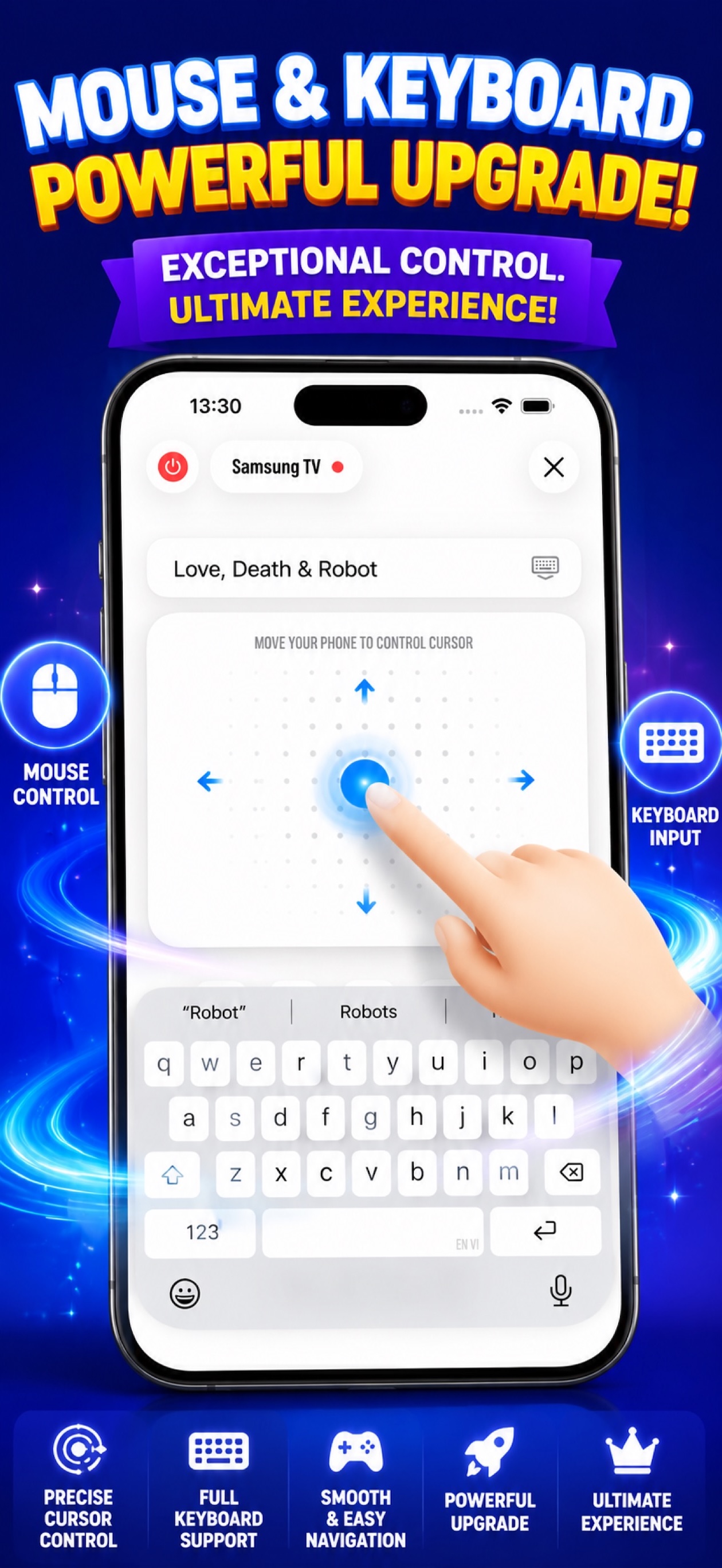
Wave your phone like a wand. Precision pointer control for any TV interface.
Type on your TV using your phone keyboard. Search shows, enter passwords, fill forms.
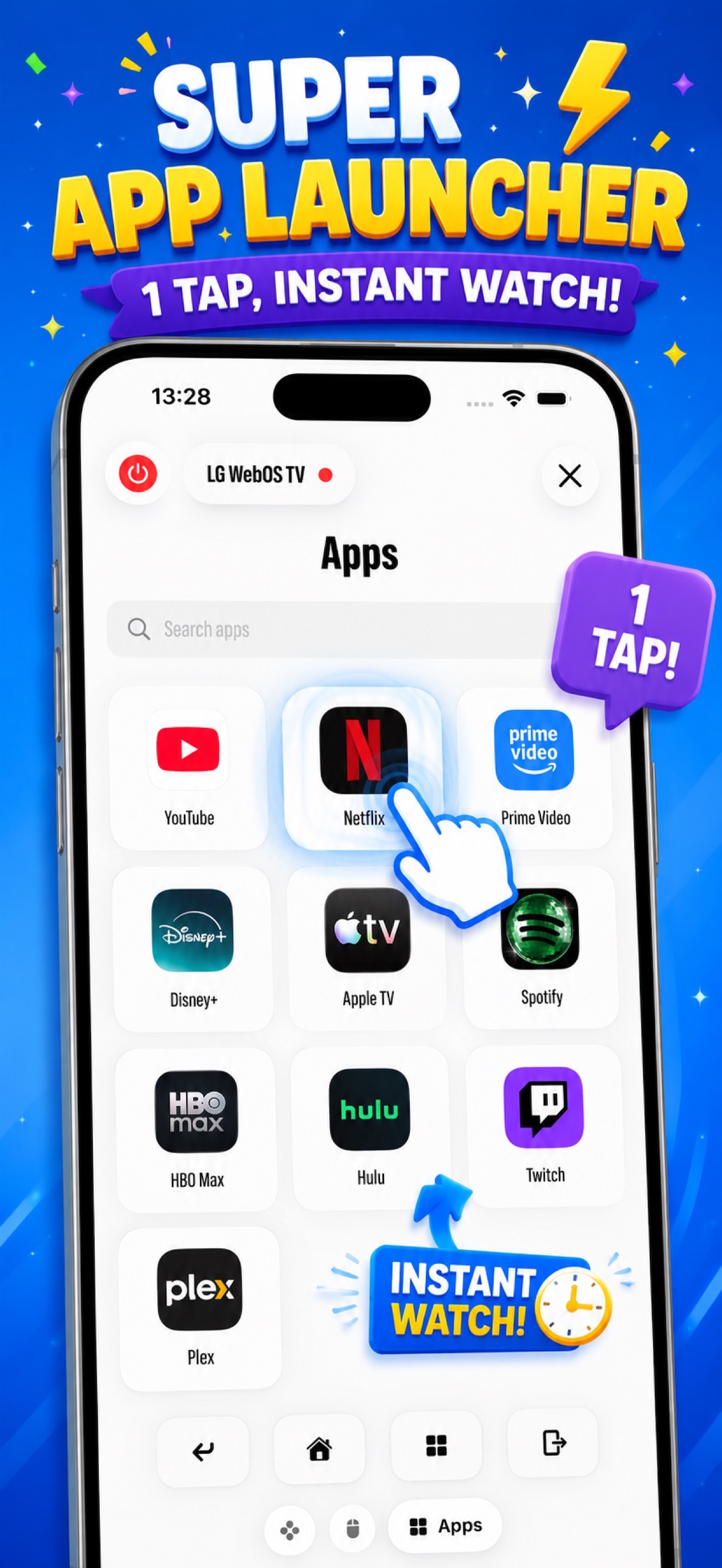
Launch Netflix, YouTube, Disney+, and all your favorite streaming apps with one tap.
No ads. No subscriptions. No hidden fees. All features unlocked. Forever.
Every screen, every feature, every detail.
Real users. Real TVs. Real satisfaction.
"Finally found a remote app that actually works with my LG TV. The air mouse feature is a game changer!"
"Clean design, no ads, and works perfectly with my Samsung TV. The keyboard input is so convenient."
"Auto discovery is incredible — just opened the app and my Sony TV was there. No setup needed!"
No manuals. No cables. No headache.
Get Remote Hero from the App Store. Free and takes seconds.
Phone and TV on the same WiFi. That is literally all it takes.
Your TV appears instantly. Tap once and you are in command.
Everything you want to know.
LG WebOS, Samsung Tizen, Sony Android TV, Vizio, TCL, Hisense, Philips, Panasonic, Sharp, and more. If it is a modern smart TV, Remote Hero speaks its language.
For most TVs, no pairing is needed. Just ensure both devices are on the same WiFi network and the app will automatically discover your TV. Some brands may require a one-time pairing confirmation on your TV screen.
Yes. Completely free. No ads, no subscriptions, no hidden fees, no in-app purchases. All features are available to everyone from day one.
Absolutely. Remote Hero is fully optimized for both iPhone and iPad, taking advantage of the larger iPad screen for an even better remote experience.
Make sure your TV is turned on and connected to the same WiFi network as your device. Some TVs have network discovery disabled by default — check your TV network settings to enable it.
Join 50,000+ users who never worry about a lost remote again.
Download on the App Store